So, you’re looking for a phone system that actually works with how we do business today? Forget those old clunky setups.
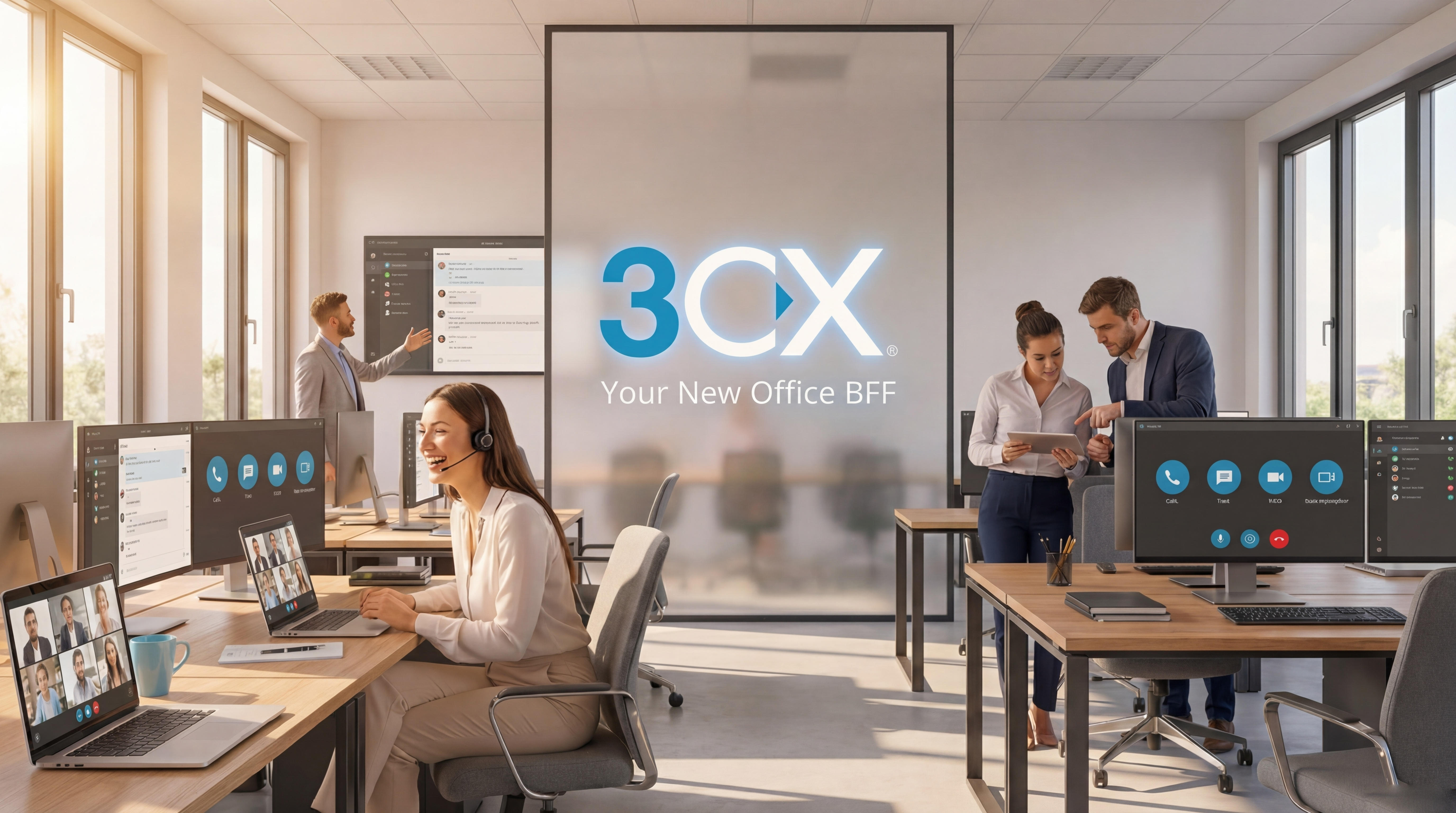
We’re talking about 3CX, a phone system that’s basically your office’s new best friend.
It handles calls when you’re swamped, lets you chat with colleagues from anywhere, and even makes video calls a breeze. Seriously, it’s built for how we work now, whether you’re in the office or working from your couch. Plus, setting up new users is super easy, and it’s all pretty secure and reliable.
Key Takeaways
- 3CX is a versatile phone system that supports remote and hybrid workforces with free video conferencing and mobile apps.
- It offers unlimited soft-phone and mobility app extensions at no extra cost, unlike many providers who charge per user.
- The system is scalable, catering to businesses of all sizes, from small teams to large enterprises.
- 3CX supports various hardware, including desk phones and headsets, with an emphasis on compatibility and ease of provisioning.
- Features like Busy Lamp Field (BLF) can boost productivity by showing call status at a glance.
1-Soft Phone

Forget those clunky old desk phones. With 3CX, your computer basically becomes your phone. All you need is a headset,
and you’re good to go.
This means you can take calls from anywhere – the office, your home, even a coffee shop if you’ve got internet. It’s super handy,
especially with how much we all work remotely now.
Plus, there’s no extra charge for these softphones, which is a nice bonus.It really makes staying connected easy,
no matter where your workday takes you.
Features to Love
- Work from Anywhere: Take calls on your computer just like you would in the office.
- Cost-Effective: No extra monthly fees for using your computer as a phone.
- Integrated Tools: Often comes with features like chat and presence, so you can see if colleagues are available.
- VoIP and SMS: Many softphones now support not just calls but also text messaging, adding another layer of communication.
Using a softphone with a headset really changes the game. It’s way more comfortable for long calls and frees up your hands.
Plus, the sound quality is usually pretty good, making conversations clearer. It feels more modern, too.
2. Mobility Apps
Remember when being tied to your desk meant you were stuck? Those days are pretty much over, thanks to mobility apps.
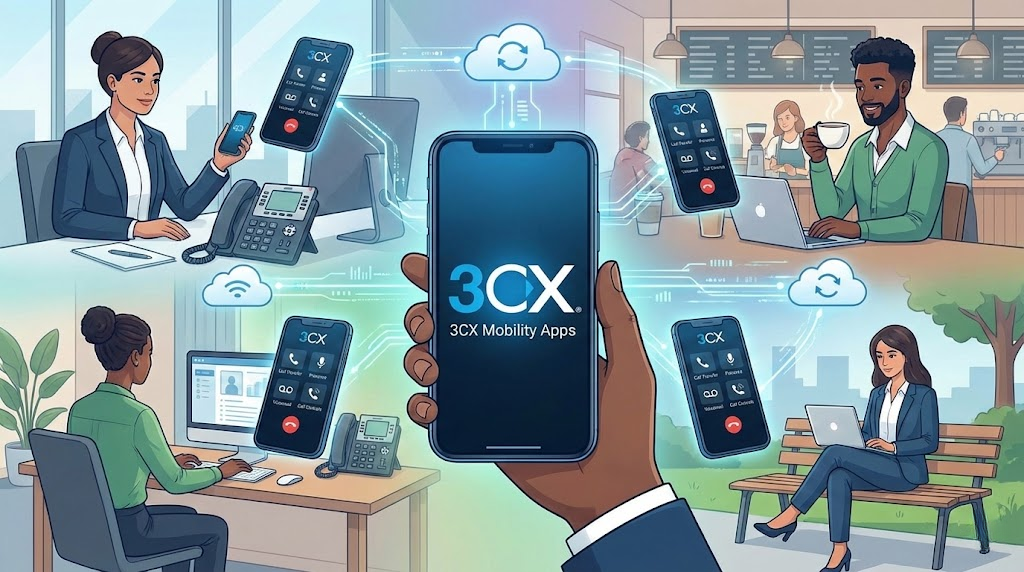
These little powerhouses connect your smartphone directly to the company phone system.
It’s like having your office extension in your pocket, no matter where you are.
You can easily transfer calls, check your availability status, and even manage your calls when you’re out grabbing lunch
or working from home.
It’s all about staying connected and productive, even when you’re not physically in the office.
The best part? For 3CX, these apps are usually included at no extra cost.
So, you get all this flexibility without adding to your monthly bill.
It’s a pretty sweet deal for keeping your team in touch.
Stay Connected Anywhere
- Take Calls on the Go: Use your mobile device as an extension of the office phone system.
- Transfer Calls Easily: Move calls to colleagues without missing a beat.
- Manage Your Presence: Update your availability status so people know when you’re free or busy.
- Work Remotely: Connect from home, a coffee shop, or anywhere with an internet connection.
Key Features to Look For:
- Intuitive Interface: Easy to use, even if you’re not super tech-savvy.
- Call Management: Features like hold, mute, and transfer should be straightforward.
- Presence Indicators: See if your colleagues are available before you call.
- Voicemail Access: Check your messages directly from the app.
Having a reliable mobile app means your business communication doesn’t stop just because you stepped away from your desk.
It really bridges the gap between traditional office phones and the way we work today.
3. Desk Phones & Headsets
While the softphone is super handy, sometimes you just need a good old-fashioned desk phone,
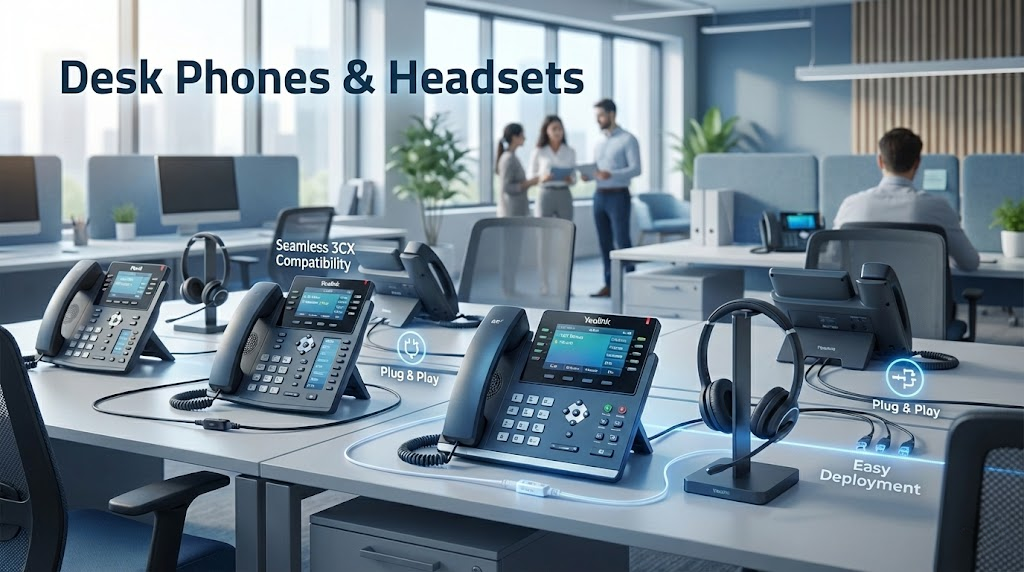
right? 3CX plays nice with a bunch of different desk phones and headsets,
making it easy to set up your office exactly how you like it. You don’t have to ditch your existing gear if it’s compatible,
which is a big plus.
Plus, if you’re looking for new phones, 3CX has a list of supported models, so you know they’ll work right out of the box.
This makes setting up a bunch of phones way simpler – think plug-and-play.
When it comes to headsets, it’s a bit like the phones.
Most modern headsets will work fine, especially if you’re not coming from a super old or proprietary system.
Just a heads-up: sometimes the way headsets plug into phones can be a little different between brands,
so it’s worth checking compatibility if you have specific needs.
For example, some phones use one type of headset jack, while others use a different one.
It’s not usually a big deal, but good to know.
Getting the right hardware means your team can communicate without a hitch.
Here’s a quick rundown of what to consider:
- Phone Compatibility: Always check 3CX’s official list of supported phones.
This is your best bet for easy setup and reliable performance. - Headset Connections: Be aware of the different headset port types (like RJ9 or 3.5mm jacks)
and ensure they match your chosen phones. - Features: Some phones have extra buttons that can be programmed for things like speed dial or checking voicemail,
which can be really handy for receptionists or busy staff.
If you’re in 3cx Jordan and need help picking out the right phones or headsets,
there are local partners who can guide you through the options.
They can help make sure you get gear that works perfectly with your 3CX system.
4. Video Conferencing
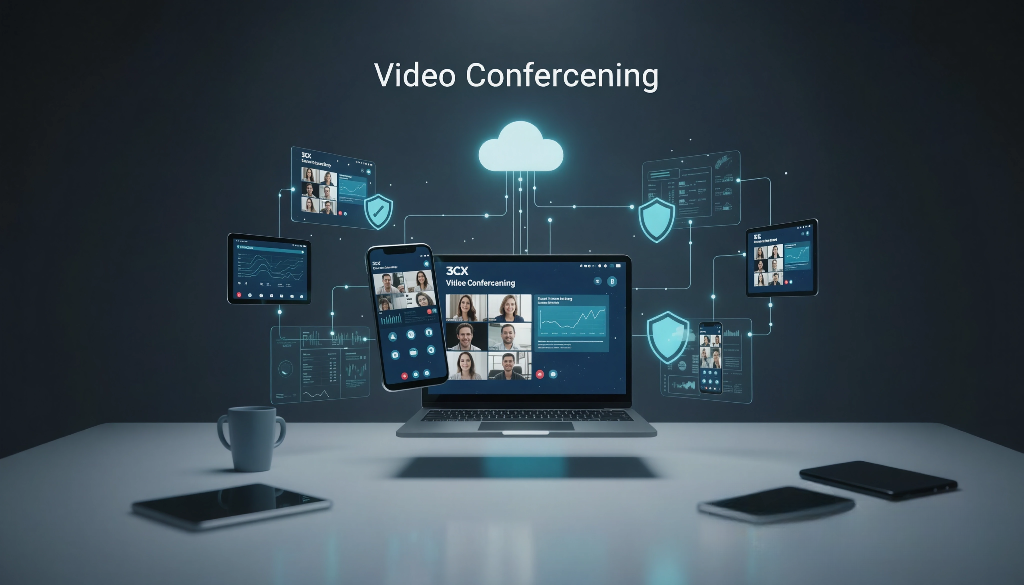
Remember when video conferencing felt like a futuristic luxury? Now, it’s just part of the daily grind for many businesses,
and 3CX makes it super easy to get everyone connected.
Forget about those clunky, expensive systems of the past. 3CX offers built-in video conferencing that works right out of the box,
no extra software to buy or complicated setups needed.
It’s all about keeping your team connected, no matter where they are.
Whether you’re doing a quick team huddle or a more formal client presentation, 3CX has you covered.
You can easily start a video call with just a few clicks, right from your softphone or mobile app.
This means less time fiddling with tech and more time actually talking to people.
Here’s what makes 3CX video conferencing a real winner:
- Easy to Start: Launch a video meeting directly from your 3CX app. No need to schedule in a separate system.
- Screen Sharing: Show your colleagues what you’re working on. It’s great for training or collaborative projects.
- Cross-Platform: Works on desktops, laptops, and mobile devices, so everyone can join in.
- Secure: Your meetings are protected, keeping your conversations private.
It’s pretty neat how integrated everything is. You’re already using 3CX for calls, so adding video just feels natural.
It really cuts down on the complexity of managing different communication tools.
5. Busy Lamp Field (BLF)
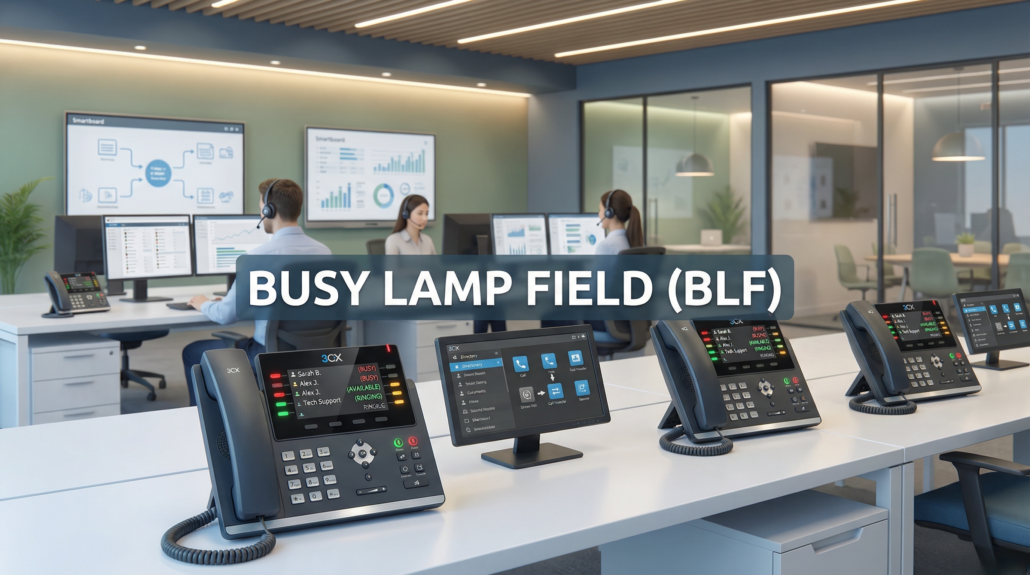
Ever wonder if your coworker is actually on the phone or just really focused? That’s where the Busy Lamp Field, or BLF, comes in.
Think of it as a little light that tells you if someone’s free, on a call, or if their phone is ringing.
This way, you can avoid interrupting someone who’s busy or know exactly when to grab that important call.
It really cuts down on those awkward “Oh, sorry, I didn’t know you were on the phone” moments.
How BLF Works
Basically, your phone system, like 3CX, keeps track of what each extension is doing.
When someone makes or receives a call, the system tells the phones that have the BLF feature set up for that person.
The little light or indicator on your phone then changes color or blinks to show that status.
It’s a pretty neat way to manage your calls and see who’s available without having to constantly check in with everyone.
You can even set up BLF buttons to directly dial a colleague with a single press, which is a nice time-saver.
Benefits of Using BLF
- Improved Call Management: See at a glance who is available to take a call, reducing missed opportunities.
- Increased Productivity: Quickly transfer calls to the right person without having to ask around.
- Reduced Interruptions: Avoid disturbing colleagues who are already on a call.
- Faster Internal Communication: Direct dial buttons for frequently contacted colleagues.
Configuring BLF in 3CX
Setting up BLF in 3CX is pretty straightforward.
You’ll typically assign specific keys on your IP phone or softphone to monitor other extensions.
3CX provides clear instructions on how to configure these keys for optimal use.
Many modern desk phones, like the Yealink T4x series, even have LCD displays for these buttons,
so you don’t need those old-school paper labels anymore.
It makes managing your phone’s capabilities much cleaner.
The real magic of BLF is how it streamlines communication.
It’s not just about seeing a light; it’s about making smarter decisions about where calls go and when to contact someone.
This feature, often overlooked, can genuinely make your workday smoother and more efficient.
6. SIP Trunks
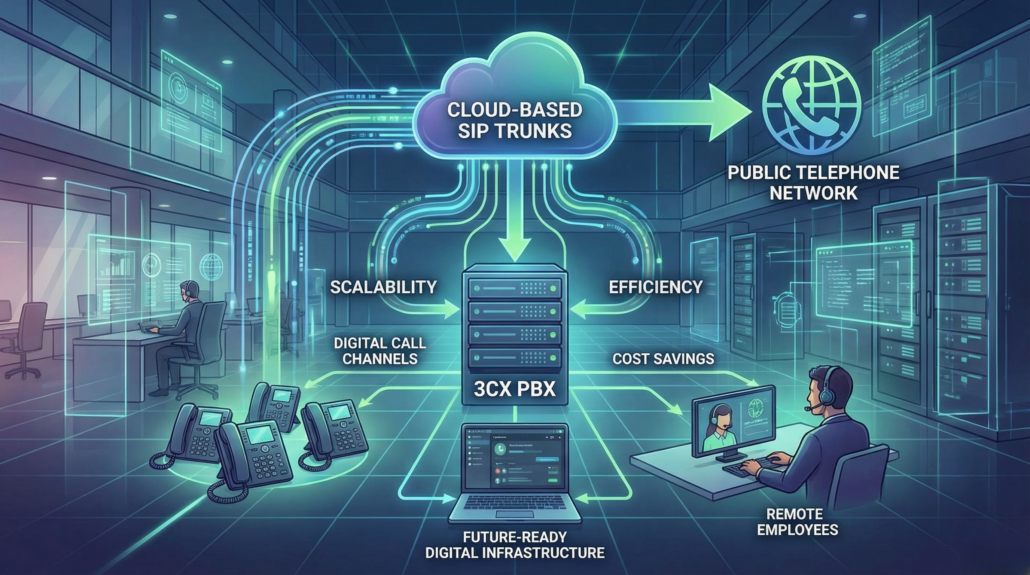
So, let’s talk about SIP Trunks. If you’re not familiar, a SIP trunk is basically a virtual phone line that lets your business make calls
over the internet.
It’s a pretty big step up from those old-school phone lines we used to rely on. Think of it as upgrading from dial-up to broadband,
but for your phone system. It’s way more flexible and usually saves you a good chunk of change on your phone bills.
What Exactly is a SIP Trunk?
A SIP trunk is a service that connects your phone system, like the 3CX PBX we’ve been talking
about, to the public telephone network using the internet.
Instead of needing multiple physical phone lines coming into your office,
you get a virtual connection. This means you can handle more calls with fewer resources, which is always a win.
It’s a core part of modern VoIP communication, allowing your business to connect with the outside world efficiently.
You can learn more about what a SIP trunk is here.
Why Use SIP Trunks with 3CX?
Using SIP trunks with 3CX is a smart move for a few reasons. First off, cost savings.
You typically pay less per channel compared to traditional phone lines.
Plus, you can easily scale up or down as your business needs change.
Need more lines for a busy season? No problem. Things slow down? You can reduce your trunk capacity without a hassle.
It also offers better call quality and reliability, especially when paired with a good internet connection.
Here’s a quick look at some benefits:
- Cost-Effective: Lower per-minute rates and line costs.
- Scalability: Easily adjust the number of call channels.
- Flexibility: Supports remote workers and multiple locations.
- Features: Often includes advanced features like caller ID management.
SIP Trunking vs. Traditional Lines
It’s really a no-brainer when you compare SIP trunking to the old way of doing things.
Traditional phone lines, like PRIs, require physical hardware and are much less adaptable.
If you need more lines, you have to order and install new physical circuits, which takes time and money. SIP trunks, on the other hand, are provisioned digitally.
This means you can get new lines up and running in minutes, not days or weeks.
The shift to SIP trunking isn’t just about saving money; it’s about future-proofing your business communications.
It integrates smoothly with VoIP systems like 3CX, making your entire phone setup more robust and adaptable to whatever comes next.
Getting Started with SIP Trunks
Setting up SIP trunks with 3CX is pretty straightforward. You’ll need to choose a SIP trunk provider that works well with 3CX – there are many out there.
Then, you’ll configure the trunk within your 3CX system, usually by entering some account details provided by your trunk provider.
It’s a process that, while it might sound technical, is well-documented and supported by 3CX.
Key Considerations
When picking a SIP trunk provider, look at:
- Provider Reputation: Do they have good reviews and support?
- Pricing Structure: Are there hidden fees?
- Features Offered: Do they support the call features you need?
- Quality of Service (QoS): How reliable is their network?
Making sure your internet connection is up to snuff is also really important.
Poor internet means poor call quality, no matter how good your SIP trunk provider is.
You might want to look into VoIP requirements to make sure your network is ready.
7. Call Centre Functionality

Running a call center can get pretty hectic, right? You’ve got calls coming in, people trying to answer them, and sometimes,
things just get a bit jumbled.
That’s where 3CX really shines. It’s not just for basic office phones; it’s got some serious tools for managing a busy call center.
Call Queues
This is a big one. When your agents are all busy, 3CX can put incoming calls into a queue. You can set it up so callers hear music
or updates while they wait. Plus, you can decide how calls are distributed to your agents – maybe first-in, first-out, or round-robin
so everyone gets a fair shot. It stops calls from just ringing out and getting missed.
Agent Status
Knowing who’s available and who’s not is super important. 3CX lets agents set their status – like ‘Available’, ‘Busy’, ‘On Break’, or ‘Away’.
This way, calls automatically go to someone who can actually take them, instead of ringing someone who’s stuck in a meeting.
It makes things flow much smoother.
Reporting and Analytics
How do you know if your call center is doing well? 3CX gives you reports. You can see things like how many calls came in,
how long people waited, and how many calls were answered. This data helps you figure out if you need more staff, or if your current setup is working great. It’s like having a little dashboard for your whole operation.
Call Recording
Sometimes you need to go back and check what was said on a call, maybe for training or if there’s a dispute. 3CX can record calls,
which is handy for quality control and making sure everyone’s on the same page. It’s a good way to keep track of important conversations.
Managing a call center effectively means keeping track of your agents and making sure callers don’t get frustrated waiting.
3CX provides the tools to do just that, turning a potentially chaotic situation into a well-oiled machine.
8. Cloud PBX
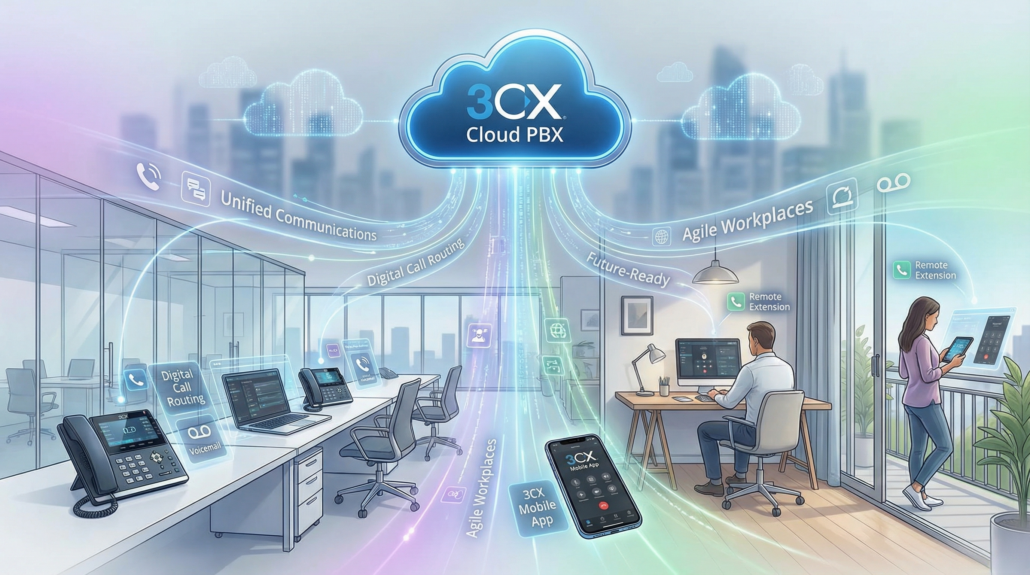
So, what exactly is a Cloud PBX? Think of it as your office phone system, but instead of a big, clunky box sitting in a closet somewhere,
all the smarts are hosted online. This means you get all the features of a traditional PBX, like call routing, voicemail, and extensions,
but with way more flexibility. It’s a big part of what makes a unified communications platform so powerful for modern businesses.
When you’re comparing PBX software, you’ll find that cloud-based options often win out for small to medium-sized businesses
because they scale easily and don’t require a huge upfront investment.
It’s a game-changer for businesses looking for robust business phone solutions. You can manage everything from anywhere with
an internet connection, which is super handy, especially if your team works remotely or travels a lot. Plus, updates
and maintenance are handled by the provider, so you don’t have to worry about that stuff.
Key Benefits of Cloud PBX
- Scalability: Easily add or remove lines and features as your business grows or needs change.
- Cost-Effectiveness: Often cheaper than on-premise systems due to reduced hardware and maintenance costs.
- Flexibility & Mobility: Access your phone system from any device, anywhere.
- Advanced Features: Access to features like auto-attendants, call queues, and conferencing without extra hardware.
Cloud PBX vs. On-Premise PBX
| Feature | Cloud PBX | On-Premise PBX |
| Installation | Quick, no hardware installation needed | Requires physical hardware and setup |
| Maintenance | Handled by provider | Managed by internal IT or third-party |
| Scalability | High, easily adjustable | Limited by hardware capacity |
| Upfront Cost | Lower | Higher |
| Remote Access | Excellent | Can be complex to set up |
Moving your phone system to the cloud means you’re not tied down by physical hardware.
This makes it way easier to adapt to new ways of working, like hybrid or fully remote setups.
It’s a smart move for any business that wants to stay agile.
When you look at PBX software for business, cloud solutions are definitely leading the pack.
They integrate well with other communication tools, making them a core component of a true
unified communications platform. Whether you’re setting up a cloud based call center or just
need reliable IP telephony solutions, a Cloud PBX is worth serious consideration.
9. VoIP Public Address (PA) System
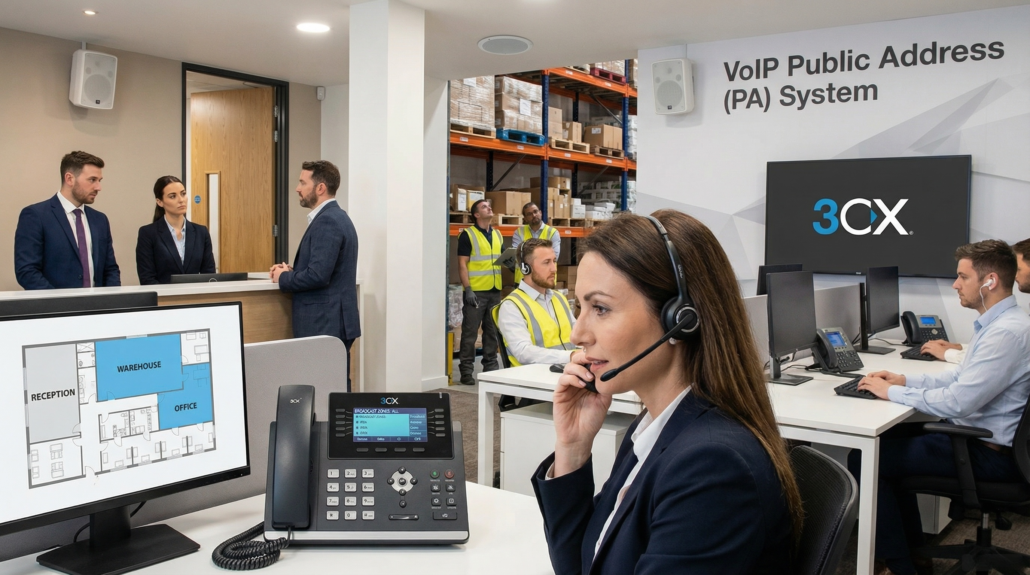
Ever needed to make a quick announcement across the entire office, or maybe just to a specific department? Forget shouting down
the hallway or running around trying to find people. With a VoIP Public Address (PA) system, you can broadcast messages directly
through your existing phones and dedicated speakers. It’s a really straightforward way to get information out quickly and efficiently.
This system turns your phone setup into a versatile communication tool. You can send out general announcements, emergency alerts,
or even play background music in common areas.
It’s about making sure everyone gets the message, no matter where they are in the building.
Setting one up is simpler than you might think. You’ll typically need a VoIP phone system that supports PA functionality, and then you can
connect specialized PA speakers or even use compatible IP phones as speakers. It integrates right into your existing network, so there’s
no need for separate wiring for a traditional PA system.
Here’s a quick look at how it works:
- Initiate Broadcast: Use a designated phone or an extension to start the announcement.
- Select Zone: Choose to broadcast to all areas or specific zones (e.g., warehouse, reception).
- Speak: Talk into the handset or a connected microphone.
- End Broadcast: Finish the announcement, and the audio stops.
It’s a great way to improve internal communication and response times, especially in larger or busier workplaces.
You can find compatible hardware and get more details on setting up your own VoIP PA system to see how it can benefit your
business operations.
10. Managed WAN, Internet and Security

When you’re running a business, the network is pretty much everything. All those apps, the phones, video calls – they all rely
on a solid internet connection.
3CX gets this, and it’s not just about the phone system itself. It’s about making sure your whole office communication
setup runs smoothly,without a hitch. That means looking at your Wide Area Network (WAN) and your general internet service.
A weak or unreliable connection can cause dropped calls, garbled audio, and general frustration for everyone.
It’s like trying to have a conversation in a hurricane; nothing gets through clearly.
Think about it: your VoIP system, your CRM, even simple email – they all need good bandwidth and low latency.
If your internet is struggling, your phone calls will suffer first. That’s why it’s important to have a network that’s up to the task.
We’re talking about making sure your router is configured correctly, maybe even looking into Quality of Service (QoS) settings
to prioritize voice traffic.
Sometimes, you might even need to disable things like SIP ALG on your router if it’s causing problems with your VoIP calls.
It’s all about creating a stable path for your communications.
Network Monitoring
Keeping an eye on your network is a smart move. You want to know if things are running as they should be, or if there’s a bottleneck
somewhere. Tools that monitor your network can alert you to issues before they become big problems, like a slow connection
impacting call quality.It’s about being proactive rather than reactive.
Router Configuration for VoIP
Your router is the gateway to the internet, and how it’s set up can make or break your VoIP experience.
Things like port forwarding and Quality of Service (QoS) settings are really important.
QoS, for example, helps make sure that your voice traffic gets priority over less time-sensitive data,
so your calls stay clear even when the network is busy. Getting this right is key to reliable communication.
Security Considerations
Beyond just speed and reliability, security is a huge part of your network. You don’t want unauthorized access to your phone system,
or worse,for your business to become a victim of VoIP fraud. This means keeping your systems updated, using strong passwords,
and being aware of common threats. Protecting your communications is just as important as making sure they work.
A well-managed network isn’t just about having a fast internet connection; it’s about creating a secure and stable environment
where all your business communications can thrive without interruption. It’s the backbone that supports everything else.
When you’re setting up a distributed system, like a main office with multiple remote sites, the internet connection at each location
becomes even more critical. You need to make sure that even the smallest branch office has a reliable internet connection to support
its phones and other communication needs. This is where understanding your WAN setup really comes into play.
So, Is 3CX Your New Office BFF?
After looking at all this, it really seems like 3CX could be a game-changer for how businesses handle communication.
It’s built for today’s work, whether that’s in the office or spread out across different locations.
Plus, the way it handles calls, video, and even mobile connections without charging extra per person is pretty sweet.
It’s not just about making calls; it’s about making work smoother for everyone, from the front desk to folks working remotely.
If you’re tired of clunky phone systems and want something that just works, 3CX might be worth checking out.
It’s a solid choice for businesses looking to modernize their communication infrastructure and boost productivity.