
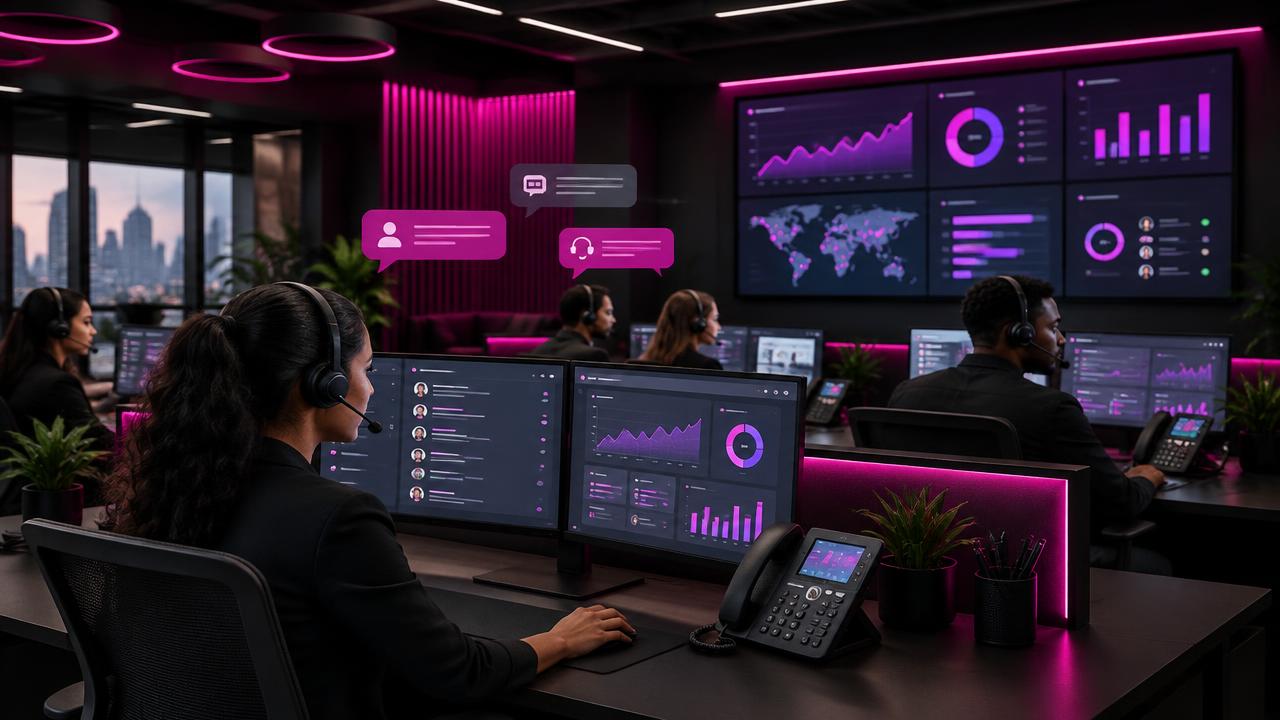
Your customers call, send a WhatsApp message and use the chat on your website — often about the same issue, on the same day. When each channel lives in a different app or on a different phone, replies are slow, messages go unanswered and customers have to explain themselves again and again.
A unified contact center fixes that. This guide shows how a modern 3CX setup brings every channel together, connects it to your customer records and uses AI to take repetitive work off your agents.
Key takeaways
- Customers move between calls, WhatsApp and web chat — your team should see one conversation.
- 3CX brings calls, video, live chat and WhatsApp Business into one inbox.
- Smart call flows and CRM links cut waiting times and repeated questions.
- Recording, transcripts and summaries save agents time and improve quality.
One number, every channel
3CX puts phone calls, video meetings, website live chat, Facebook messages and WhatsApp Business into a single inbox. Conversations can be assigned to queues just like calls, so any available agent can pick them up, and supervisors see everything in one place.
- No more shared mobile phones for WhatsApp.
- Customer history visible regardless of channel.
- Messages answered by the right team, not whoever saw them first.
Design call flows that help, not frustrate
A good call flow gets customers to the right person quickly. Keep voice menus short, offer the most common options first and always give a way to reach a human.
- Route by language (Arabic / English).
- Use working hours and holiday schedules automatically.
- Offer a callback instead of long waits.
- Send VIP or known customers straight to their account manager.
Tip: Three options in a voice menu is usually enough. Every extra layer increases the number of callers who hang up.
Connect WhatsApp and your CRM
When 3CX is linked to your CRM, the customer's record opens automatically when they call or message. Agents see past orders, open tickets and notes before saying hello. Calls and chats are logged automatically, so nothing depends on someone remembering to type it up.
3CX integrates with many popular CRMs and helpdesk tools, and can connect to others through its API.
AI that saves time
Calls can be recorded, transcribed and summarised automatically. Supervisors can search transcripts for keywords, review difficult calls and spot training needs. Agents spend less time writing notes and more time helping the next customer.
Clear calls in the office and on the move
Snom desk phones and headsets give HD audio in the office, while the 3CX apps for Android, iPhone and web keep staff reachable at home, in the warehouse or on the road — on the same business number.
Measure what matters
Built-in reports and wallboards show how your contact center is performing in real time.
| Measure | What it tells you |
|---|---|
| Average wait time | How long customers wait before an answer |
| Abandoned calls | How many give up before reaching someone |
| First-contact resolution | Issues solved without a follow-up |
| Chat response time | How quickly WhatsApp and web messages get a reply |
| Agent availability | Whether staffing matches busy hours |
How Krome helps
Krome has installed and supported 3CX for businesses across Jordan. We map your customer journeys, design call flows, connect WhatsApp and your CRM, configure phones and train your agents and supervisors.
Contact center launch checklist
- List every channel customers use today.
- Define queues and who answers each one.
- Write short, bilingual voice menu scripts.
- Set working hours, holidays and out-of-hours messages.
- Connect WhatsApp Business and website chat.
- Link your CRM and test automatic call logging.
- Agree target wait times and set up a wallboard.
- Train agents and run a test week before going live.
Frequently asked questions
Can we keep our existing phone numbers?
In most cases, yes. Numbers can be connected through a SIP trunk or gateway so customers keep calling the same number.
Do agents need to be in the office?
No. Agents can work from the 3CX app anywhere with internet, and supervisors still see their status and calls.
Is call recording legal?
Rules vary by country and sector. We recommend informing callers that calls may be recorded and agreeing a retention policy.
Related solution
IP Telephony & Call Center
Modern VoIP systems and contact centers that connect your teams and customers.